
Ready for your new homelab cockpit?
The docs guide you step by step – from the first check to the CDN tunnel.
node64.de Installation guide DocumentationQuestions about Node64? Ask in the official forum v64.tech.
Official container by ipv64.net Image coming soon


Node64 is the control center for your home network: health checks with status pages, a reverse proxy with Let's Encrypt and CDN tunnel, DNS filtering with DoH/DoT, DynDNS and a honeypot that locks out attackers together with the community – in a single Docker container. Everything runs locally; connected to your ipv64 account, you also get the view from outside.
One container, one binary amd64, arm64 & armv7 · Raspberry Pi Works fully offline Made in Germany €0 for Node64 itself
Go to node64.de Installation guide Explore the modulesNode64 runs entirely in your network – without an account, without a cloud, even when the internet is down. Database, measurements, logs and keys live on your node; secrets such as tokens are stored encrypted in the database.
Optionally link it with your ipv64.net API key: ipv64.net also checks your services from the internet and alerts you when your whole connection is offline. Checks, domains and alerts are also available in the ipv64.net portal.
Instead of maintaining Uptime Kuma, Nginx Proxy Manager, Cloudflare Tunnel, Pi-hole, a DynDNS script and a honeypot separately, you simply switch on what you need in Node64. One interface, one login, one backup.
No default password, two-factor login, passkeys, single sign-on with Authelia, Authentik or Keycloak and a complete audit log.
Node64 also runs without an account – with one you add outside checks, CDN64 and the v64 Blocklist.
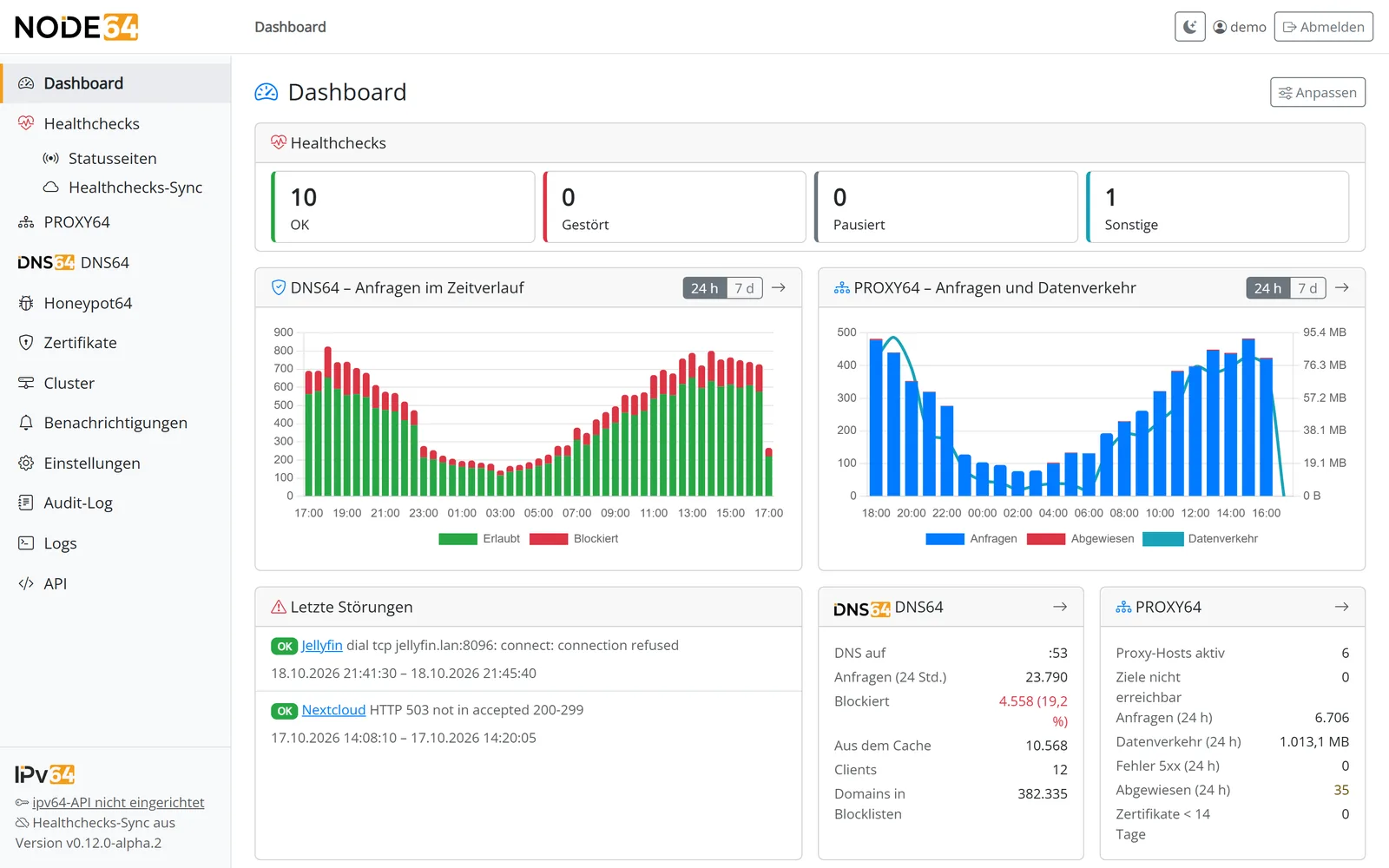
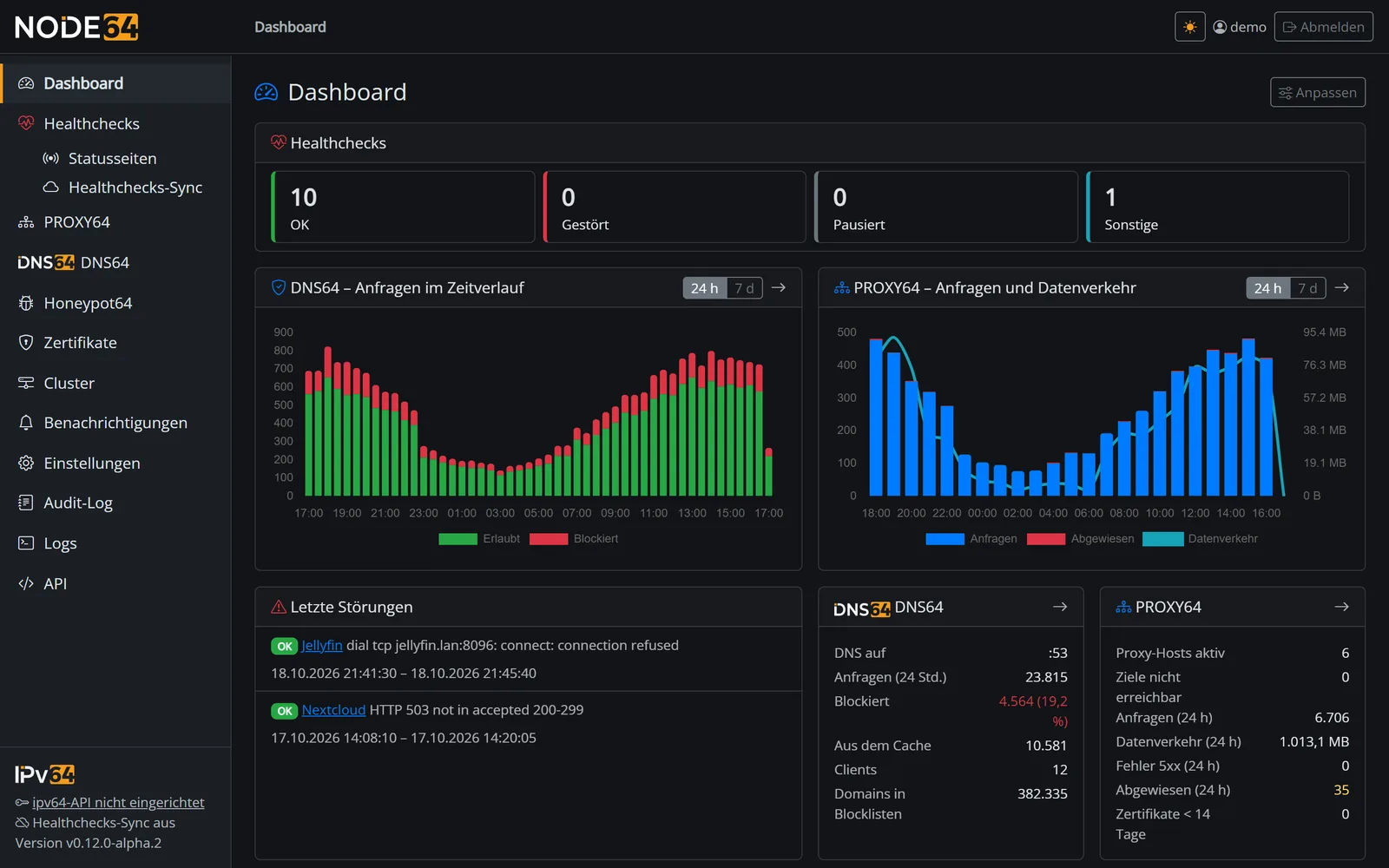
Interface, alerts and docs in English and German, light and dark mode, a dashboard you can rearrange with drag & drop. Everything the interface can do is also available through a JSON API; metrics for Prometheus and Grafana included.
Switch on what you need – the modules know each other and work together.
Monitor websites, servers, ports, certificates, cron jobs and Docker containers – locally and from outside via ipv64.net. Plus public status pages with daily bars.
Reverse proxy with Let's Encrypt, HTTP/3, access lists, country blocking and the ipv64 blocklists – the Nginx Proxy Manager alternative without nginx.
Publish services from your home network without port forwarding – via edge servers in Germany, even behind DS-Lite and CGNAT. With emergency brake and port mapper for TCP and UDP.
Block ads, trackers and malware across your network, device groups with their own rules, custom DNS records, zones, forwarders and encrypted DNS via DoH, DoT and DoQ.
Keep your ipv64.net domains up to date on IPv4 and IPv6 automatically – with history and an alert on every IP change.
Traps for SSH, web, mail, databases and more. Whoever knocks ends up on the v64 Blocklist through the reports of many sensors – and is blocked for everyone.
Let's Encrypt once, centrally – via HTTP or DNS challenge, 26 DNS providers plus ipv64. For PROXY64, DoH and DoT of DNS64, status pages and via API for NAS and Proxmox.
Several nodes – say a Raspberry Pi, a VPS and one at your parents' – sync directly with each other, always encrypted via HTTPS. With or without an ipv64 account.
Monitor the nodes, VMs and containers of a Proxmox cluster read-only – crashes, restarts, CPU, RAM and disk with graphs and rules.
Claude Code, Cursor or VS Code query the node's state via MCP – read-only, home network only, separate keys with permissions per area.
Create and restore backups – the archive is encrypted with your password. Plus exporting the configuration and resetting the node.
E-mail, Telegram, Discord, ntfy, Gotify, Pushover and webhooks – one channel for everything, with flap detection, grouped alerts and quiet times.
CDN64 publishes services through an outbound, encrypted tunnel to the edge servers in Nuremberg and Falkenstein – even behind DS-Lite and CGNAT, and your IP stays hidden. You switch it on with one click at the proxy host in PROXY64.
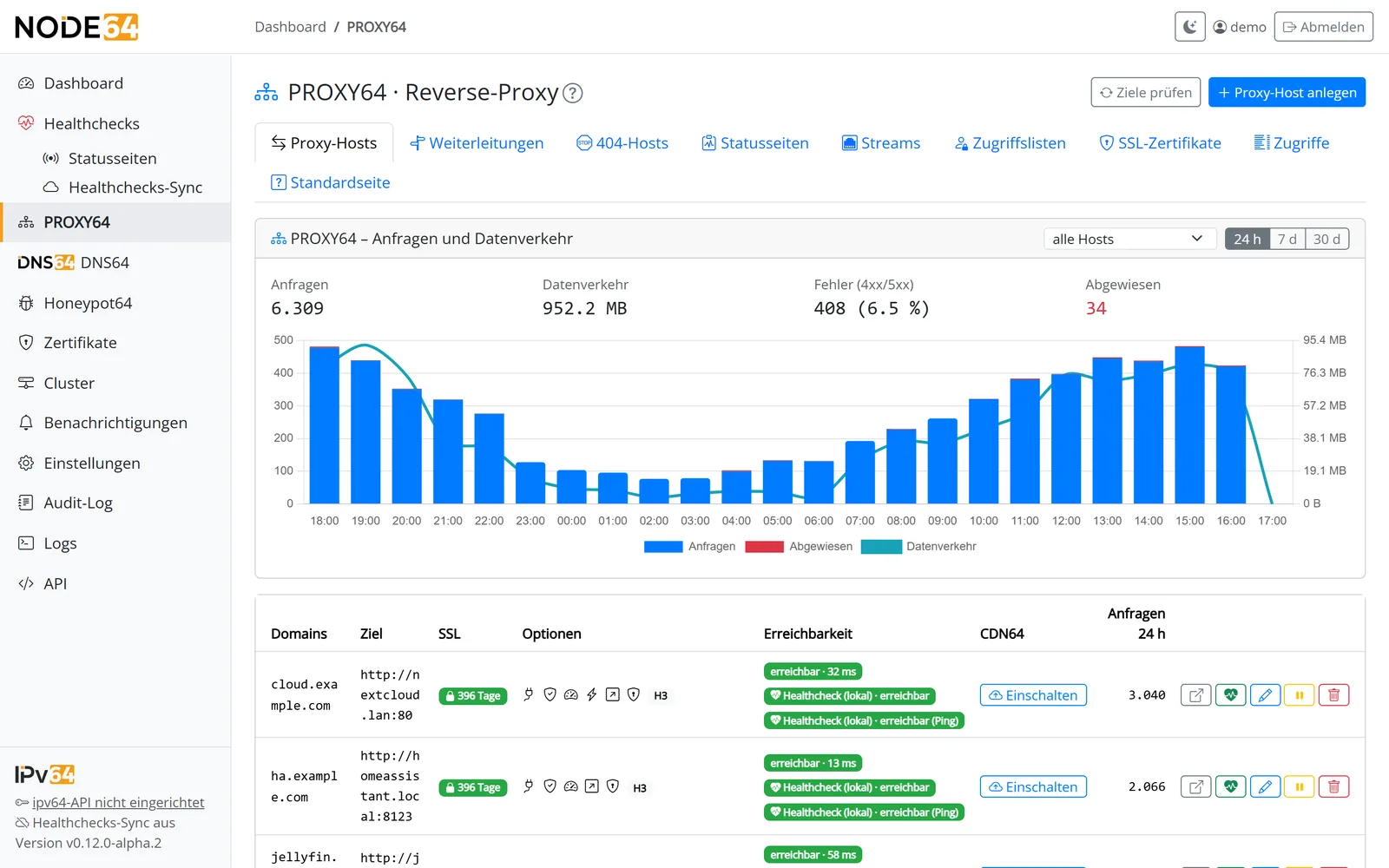
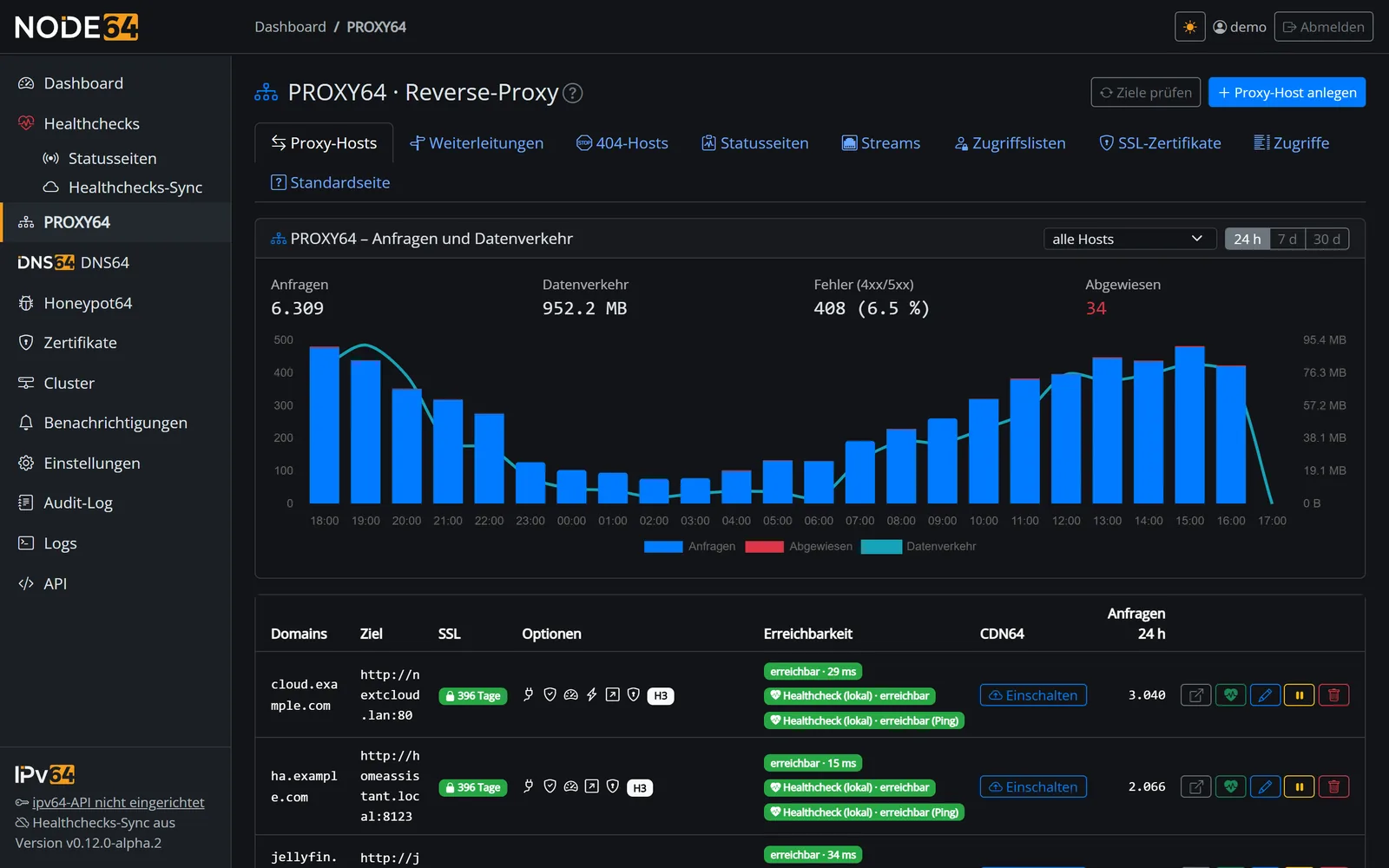
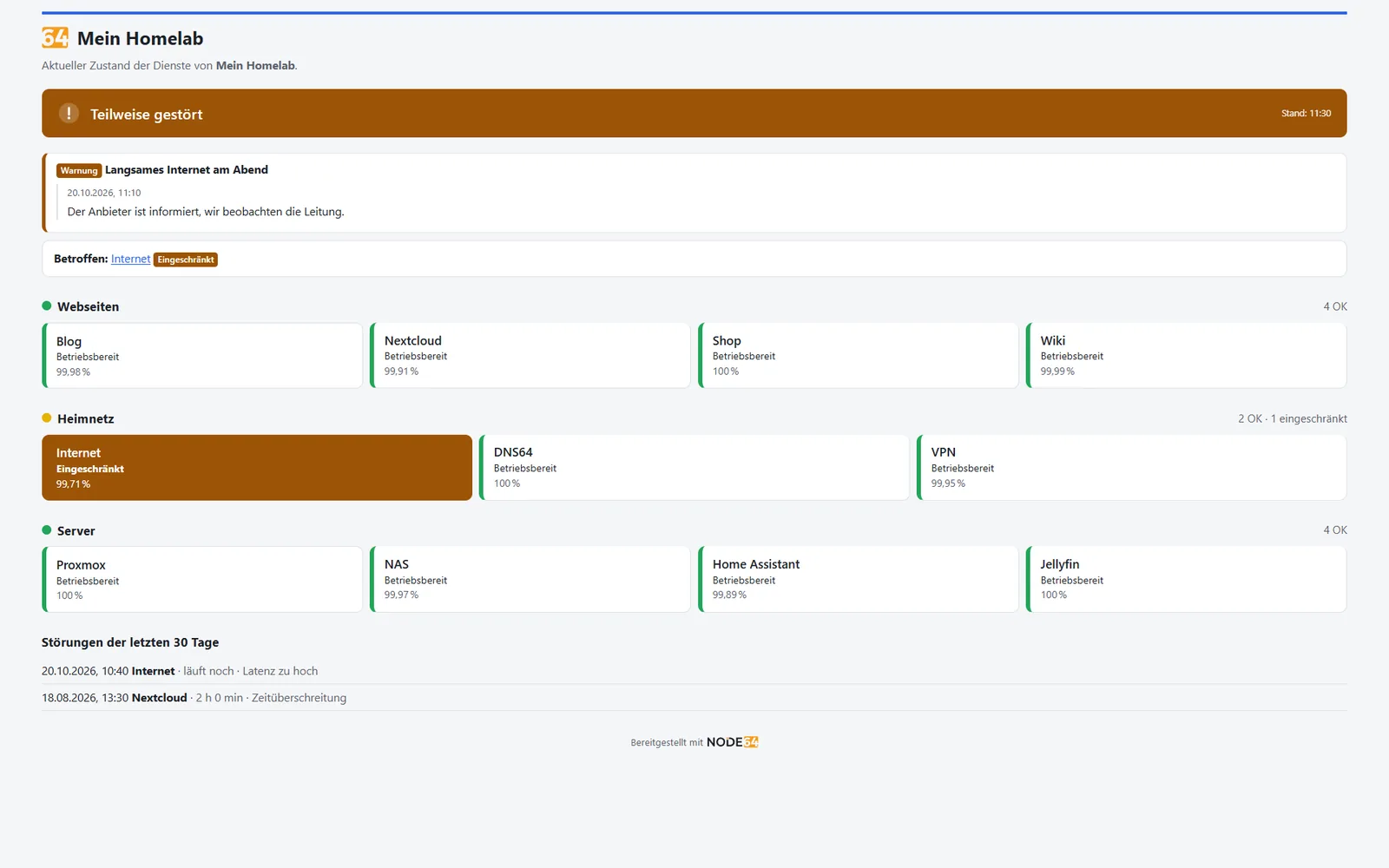
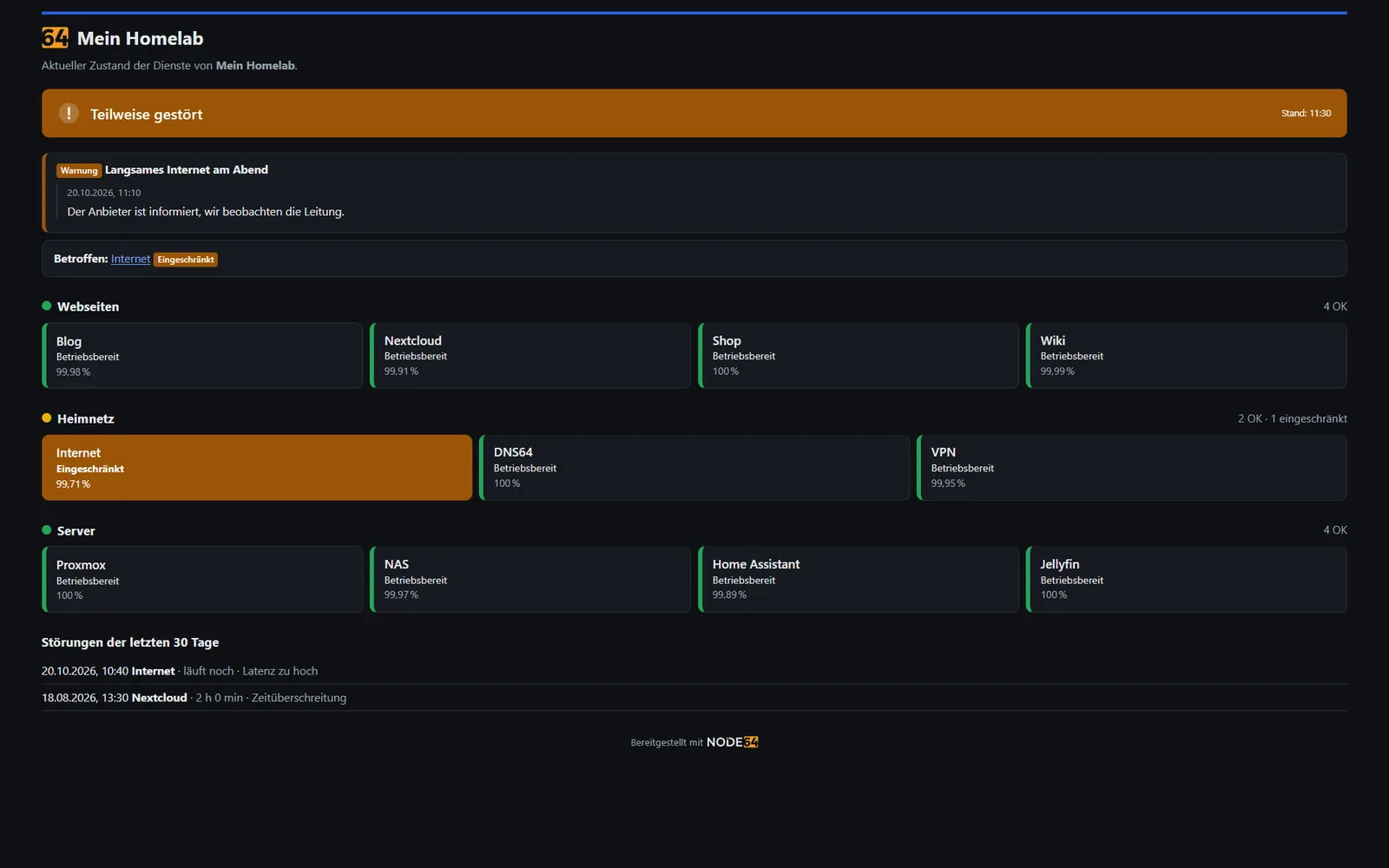
Checks run locally on your node and, if you like, additionally via the ipv64.net servers. A few clicks turn your checks into a public status page – on your node, or on your own domain via PROXY64 and CDN64.
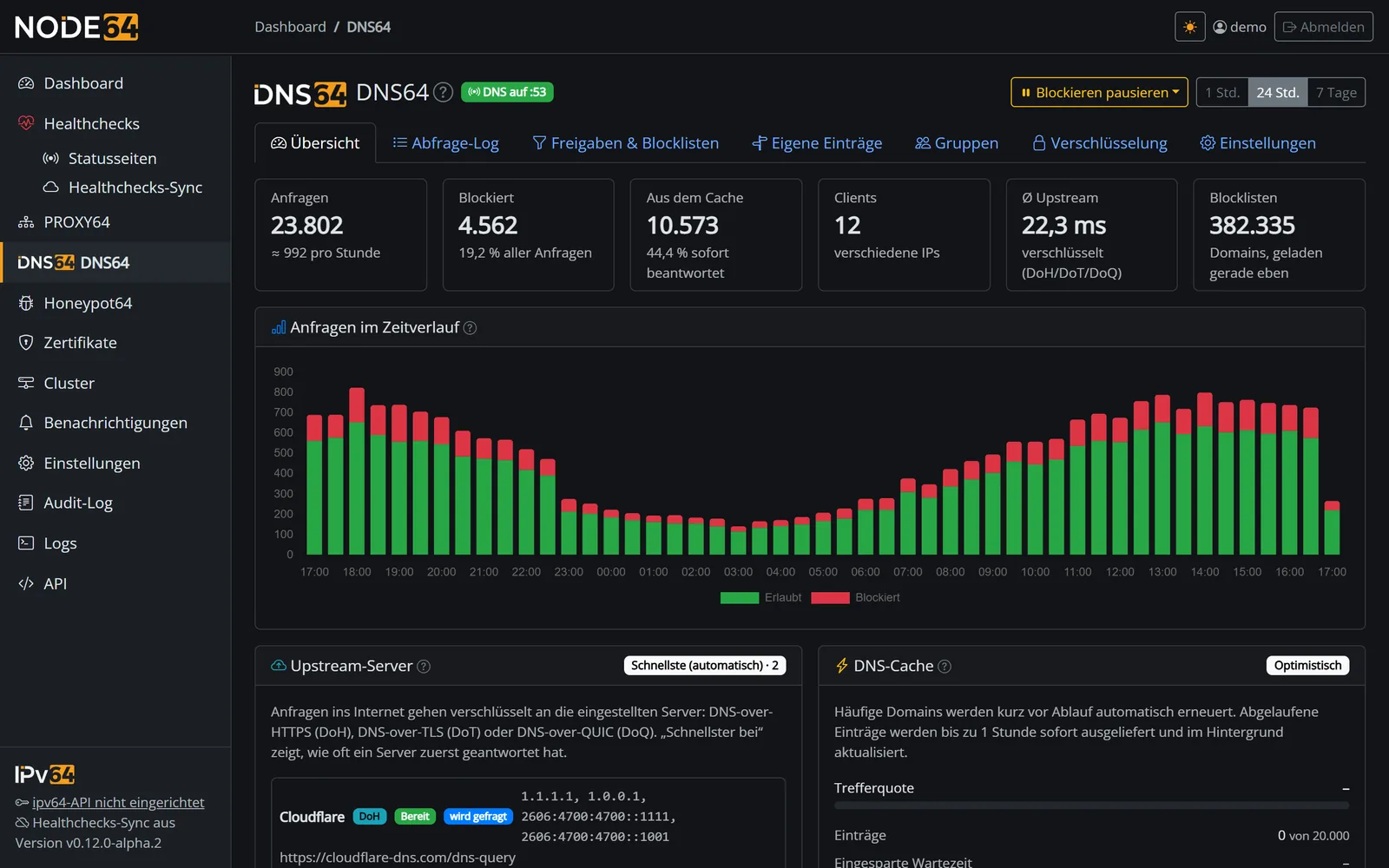
DNS64 blocks ads, trackers and malware for every device on your network. Device groups get their own rules; custom records, zones, local names and forwarders are included. Encrypted via DoH, DoT or DoQ – from your devices to DNS64 and from DNS64 to the upstreams.
DNS64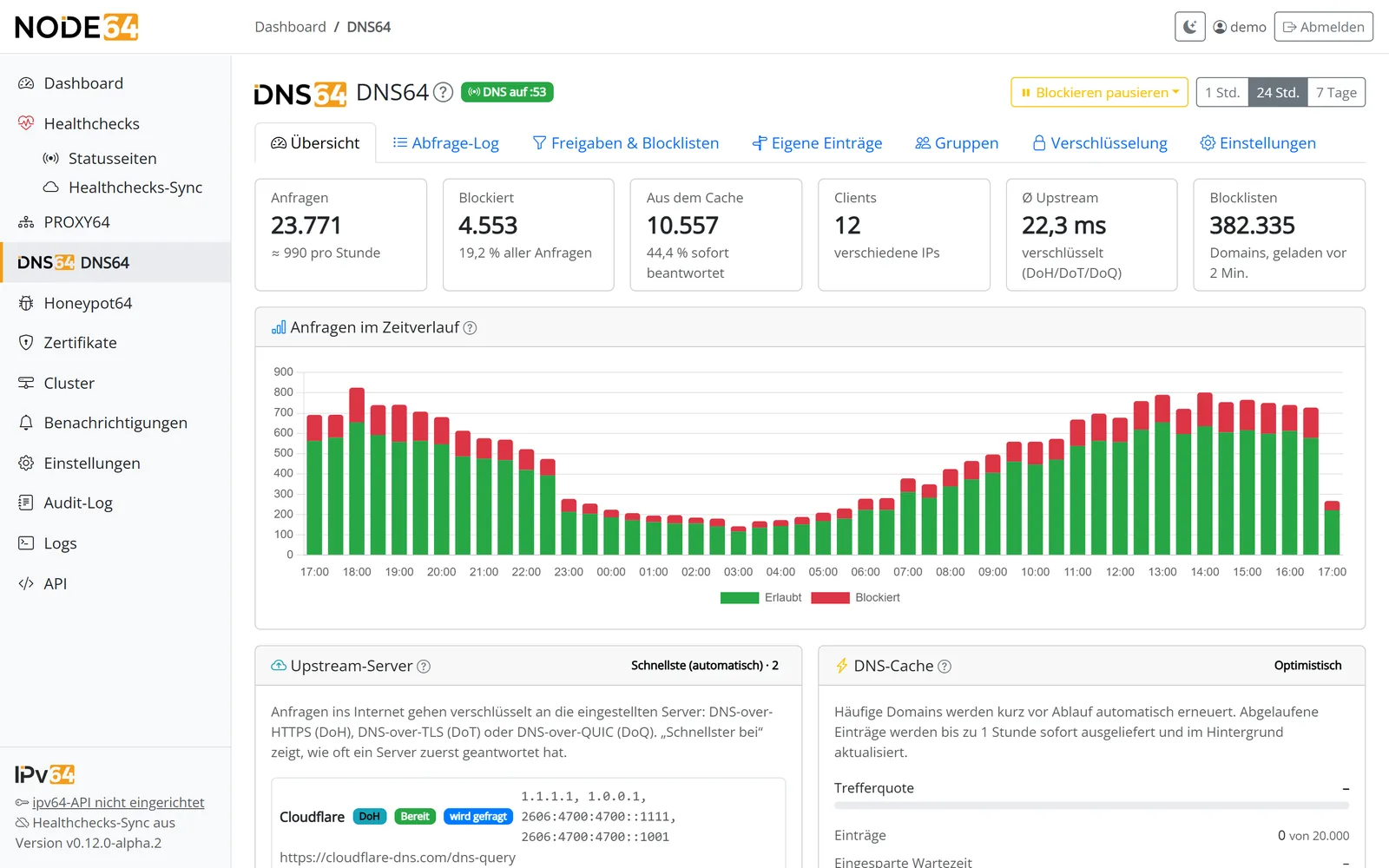
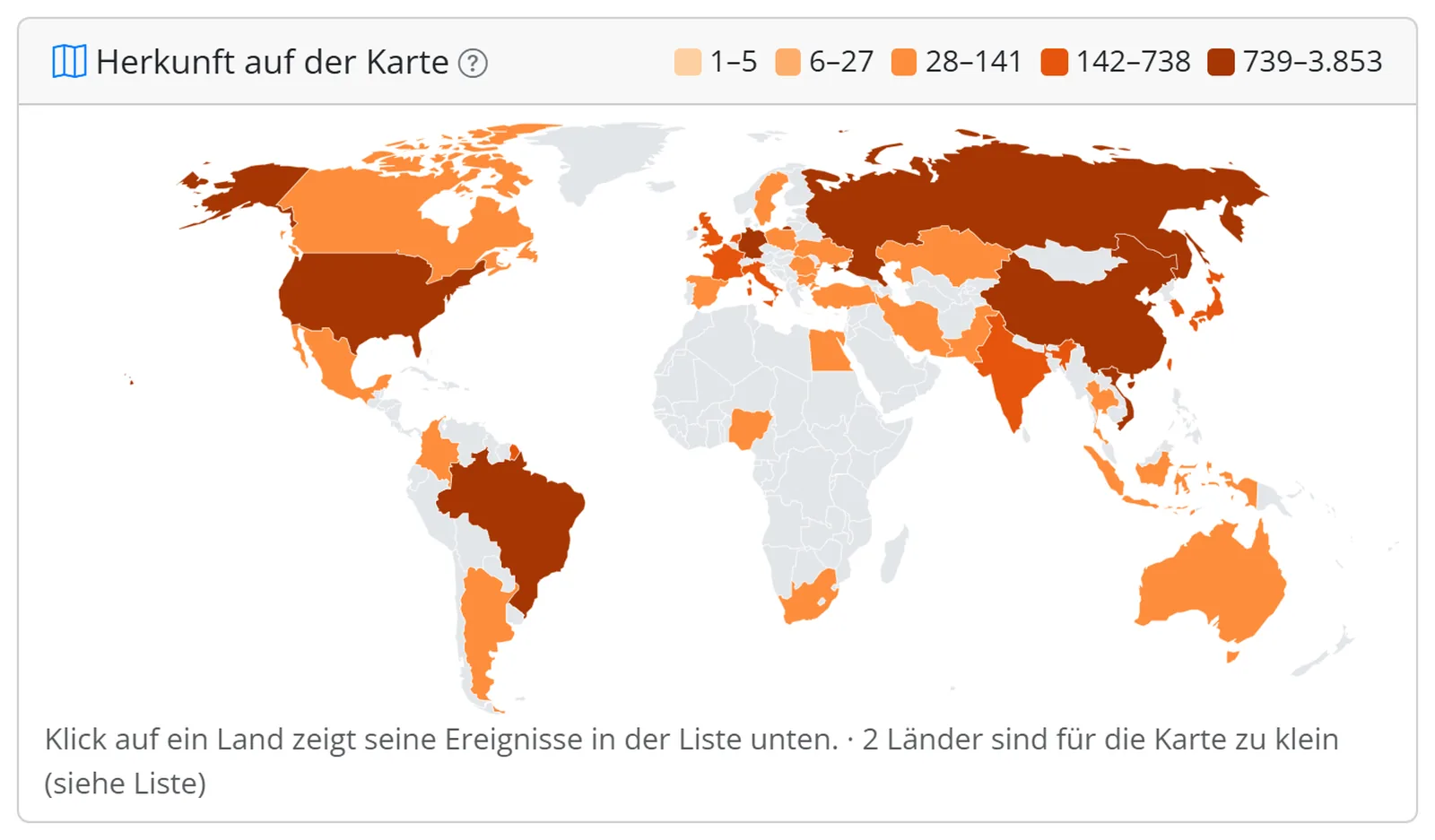
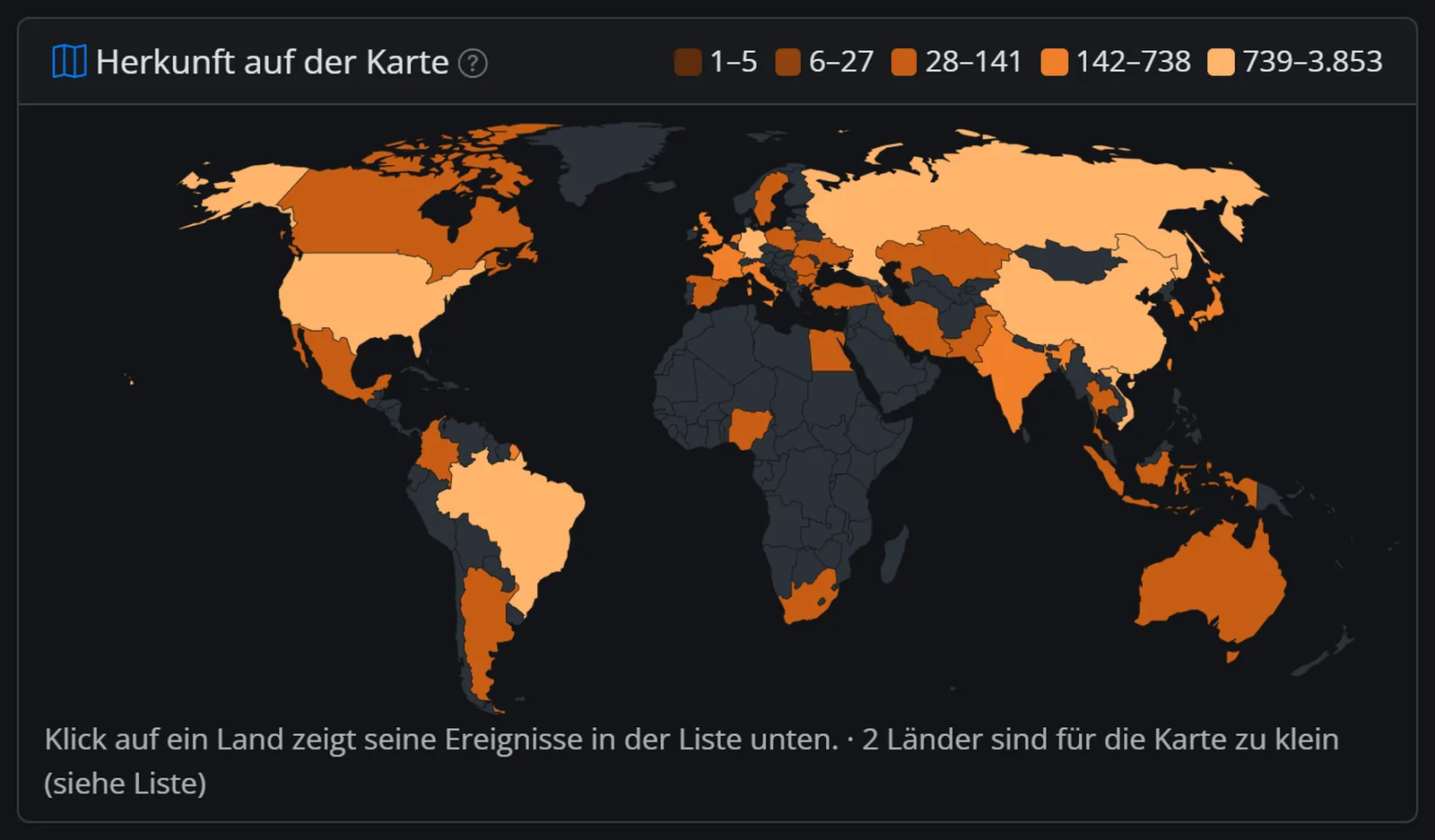
Honeypot64 sets up traps that lure attackers. If you like, your node reports them to ipv64.net. Only when several independent accounts see the same IP does it land on the v64 Blocklist – which protects PROXY64, firewalls and routers of all users.
 With your ipv64.net account you also get
The public image is coming soon. Everything about installing is on node64.de.
The docs guide you step by step – from the first check to the CDN tunnel.
node64.de Installation guide DocumentationQuestions about Node64? Ask in the official forum v64.tech.