Deutsch

Security from the community

Honeypot64Honeypot64

Traps on your network. Protection for everyone.

Honeypot64 lures attackers from the internet onto trap services and records who knocks, which credentials are tried and which attacks are going around. IPv64.net evaluates the reports of all sensors – the result is the v64 Blocklist, which protects your services and those of the whole community.

18 traps in the standard profile Low-Interaction v64 Blocklist Raspberry Pi Made in Germany

Create a free account Public tools Documentation
Why Honeypot64?

Every sensor makes the internet a bit safer for everyone.

Traps instead of services

Honeypot64 sets up trap services: SSH, Telnet, web logins, mail, FTP, databases, RDP, VNC, MQTT, SNMP, SIP, industrial protocols and any TCP port. Whoever talks to them does so unasked – every connection is suspicious.

Nothing is executed

Low interaction: logins are accepted and always rejected. There is no shell, nothing is downloaded and the traps open no outgoing connections.

Stronger together

Community sensors report to IPv64.net. An address only gets onto the v64 Blocklist once several independent accounts have reported it – which keeps false alarms out.

Protection for your services

Switch on the v64 Blocklist in PROXY64, your firewall or your router. Whoever runs sensors gets the list live, re-rated every 30 minutes.

Early warning

Enter your own networks: if an address from them shows up as an attacker – usually a hijacked device – you get an e-mail.

Runs anywhere

As a module in Node64 or as a pure sensor without a web interface – one command, even on a small Raspberry Pi.

Public tools – no login needed

Analysis in Node64
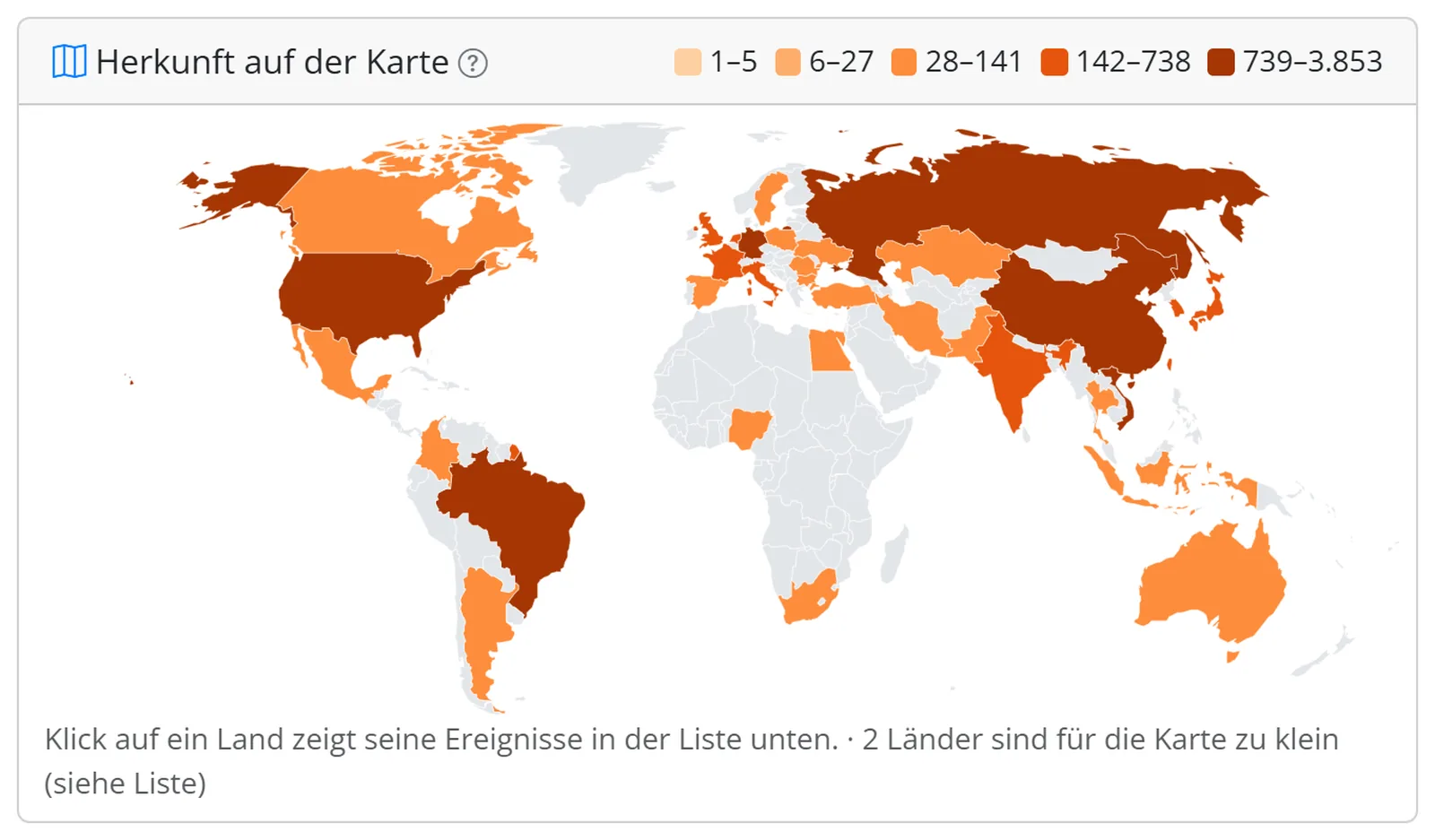
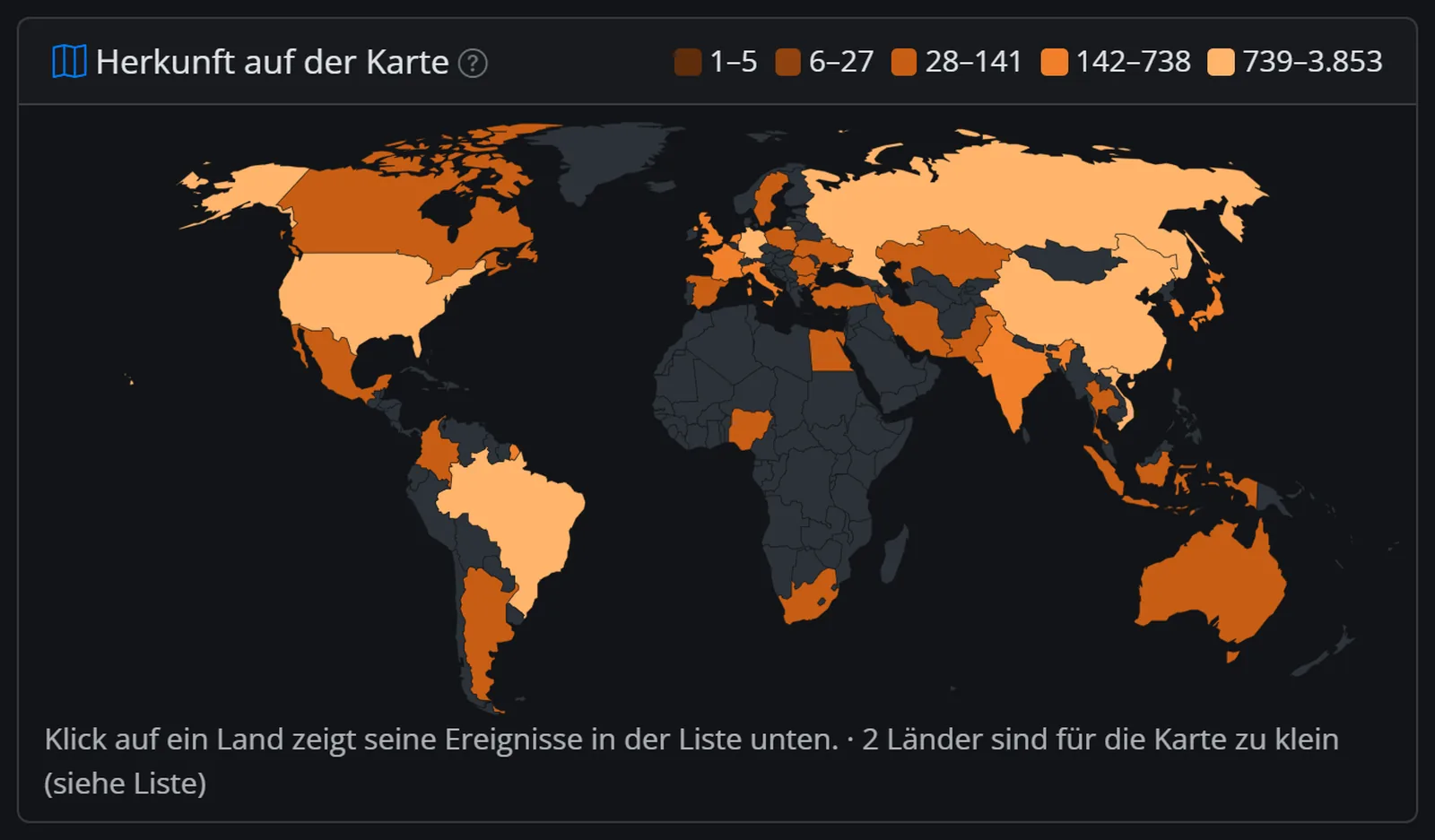
Honeypot64 in Node64: events, origin and credentialsHoneypot64 in Node64: events, origin and credentials

Node64 shows you locally what your traps see: events, countries of origin, credentials tried and web attacks. More about Node64

A pure sensor with one command

For a device of its own, e.g. a Raspberry Pi – ideally on a separate network:

docker run -d --name honeypot64 --network host --restart unless-stopped \
  -e NODE64_MODE=honeypot -e NODE64_HONEYPOT_PROFILE=standard \
  -e NODE64_IPV64_KEY=DEIN_API_KEY \
  -v honeypot64:/data ghcr.io/ipv64net/node64:latest

With your API key the sensor reports to your account. Read the security and port forwarding notes in the docs first. To the docs

How to join

  1. Create a free ipv64.net account and generate an API key.
  2. Start Node64 with Honeypot64 – as a module or as a pure sensor – and enter the API key.
  3. Expose the traps to the internet. From then on your reports feed the v64 Blocklist.
Create a free account Node64 Documentation

Already have an account? Log in at the top – then you see your sensors and your contribution here.
