Deutsch

The Cloudflare alternative from Germany

CDN64

Your services on the internet. No port forwarding, no detour overseas.

CDN64 makes your website or service reachable via the IPv64.net edge servers in Germany – over IPv4 and IPv6, even behind DS-Lite and CGNAT. With Node64 it runs through a tunnel from your home network, with no open port and end-to-end encrypted if you like.

4 edge servers in Nuremberg & Falkenstein IPv4 & IPv6 HTTP/3 DS-Lite & CGNAT Made in Germany

Create a free account The three modes Documentation Server status
Why CDN64?

What Cloudflare Tunnel and proxy do – operated in Germany, with your ipv64.net account and your ipv64 domains.

No open port

Node64 opens the tunnel from your home network to the outside. Every port on your router stays closed and your own IP address stays hidden – even behind DS-Lite and CGNAT, via IPv4 and IPv6.

End-to-end encrypted

In the default mode the edge servers only pass the connection through: TLS ends at your place, certificate and key stay on your node. The servers never see contents, paths or cookies.

Servers in Germany

Four edge servers in Nuremberg and Falkenstein, operated by IPv64.net. No detour via data centres overseas.

Protection before your connection

Access lists, a pause button for attacks, limits per IP, WAF patterns and detection of attack tools already act on the edge servers – before an attacker reaches your connection.

Highly available

Several servers via DNS, an automatic replacement server if one fails and load balancing that moves without interruption.

Portmapper

Not just websites: with the port mapper you also reach TCP and UDP services such as game servers or SSH via the edge servers.

The three modes

The mode decides where encryption (TLS) ends and how the edge servers reach your service. You can switch between modes 1 and 2 at any time; DNS stays the same.

1Pass-through (end-to-end)

Default, with Node64

The edge servers only read the name from the connection setup and pass the connection through the tunnel to Node64 unencrypted by them. TLS ends on your node, your certificate stays with you. HTTP/3 is passed through as well. The right choice for almost everything.

2TLS on the edge servers

with Node64

The edge servers terminate TLS themselves (HTTP/1.1, HTTP/2, HTTP/3) and send every request with the real visitor IP through the tunnel. That way they filter before your connection: limits per IP, host check, redirect to HTTPS. The servers fetch the certificate themselves.

3Straight to the target

without Node64, on ipv64.net

No tunnel: the edge servers connect directly to your publicly reachable target – like a classic reverse proxy in front of your server. The target is your domain's A/AAAA records or a fixed address. Plus an optional cache on the servers.

Mode 1 – pass-throughMode 2 – TLS on the serversMode 3 – straight to the target
Path to the serviceNode64 tunnelNode64 tunneldirect, no tunnel
TLS endson your nodeon the edge serverson the edge servers
Open port at homenonoyes
Own IP hiddenyesyesno
Cache on the serversnonoyes, optional
Set up inNode64Node64ipv64.net/cdn64 or API
Set up in Node64: PROXY64
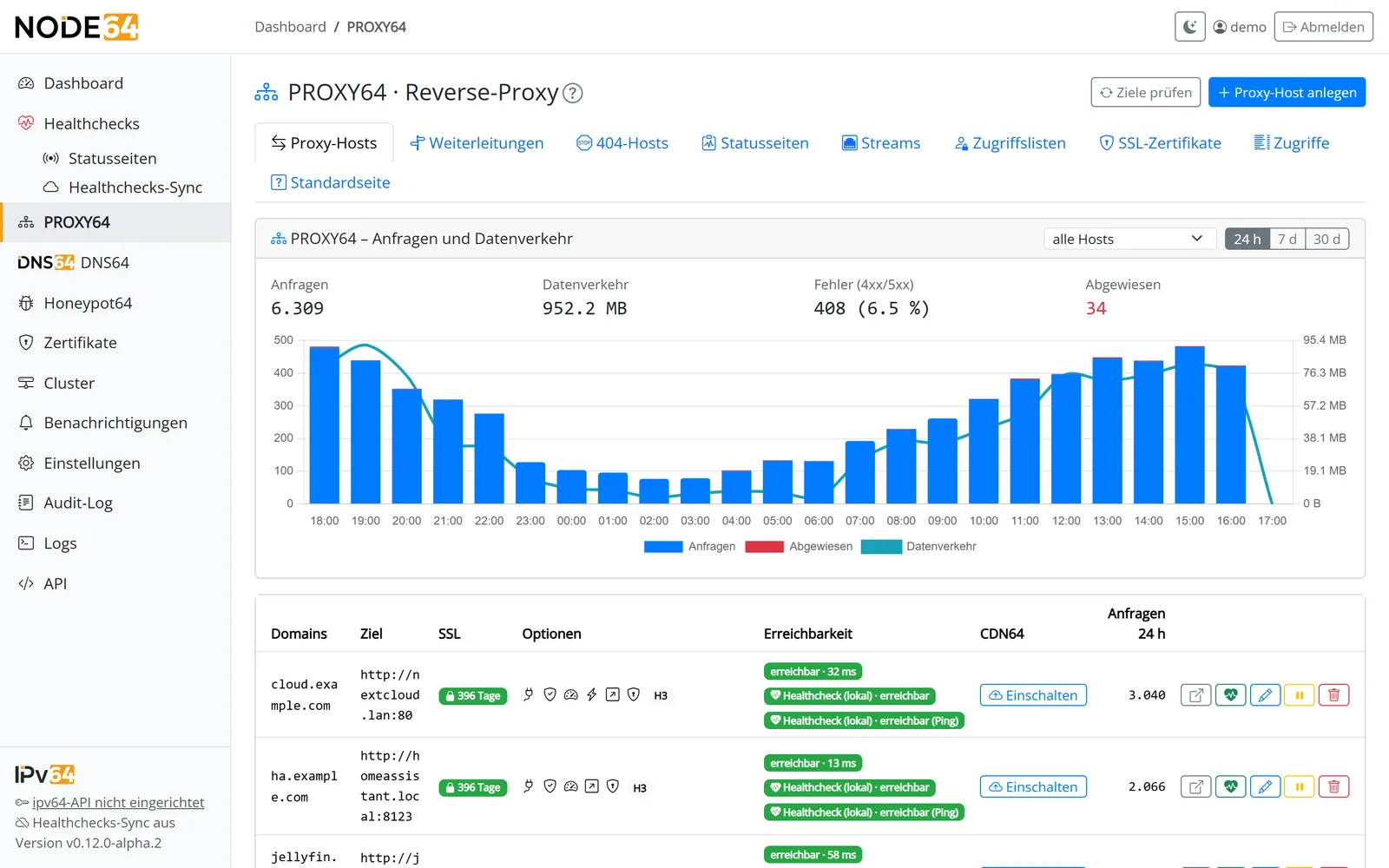
PROXY64 in Node64 with the CDN64 column per proxy hostPROXY64 in Node64 with the CDN64 column per proxy host

In Node64 you switch on CDN64 per proxy host with one click. Node64 fetches Let's Encrypt certificates, opens the tunnel and shows which servers it currently runs through. More about Node64

Protection with one click
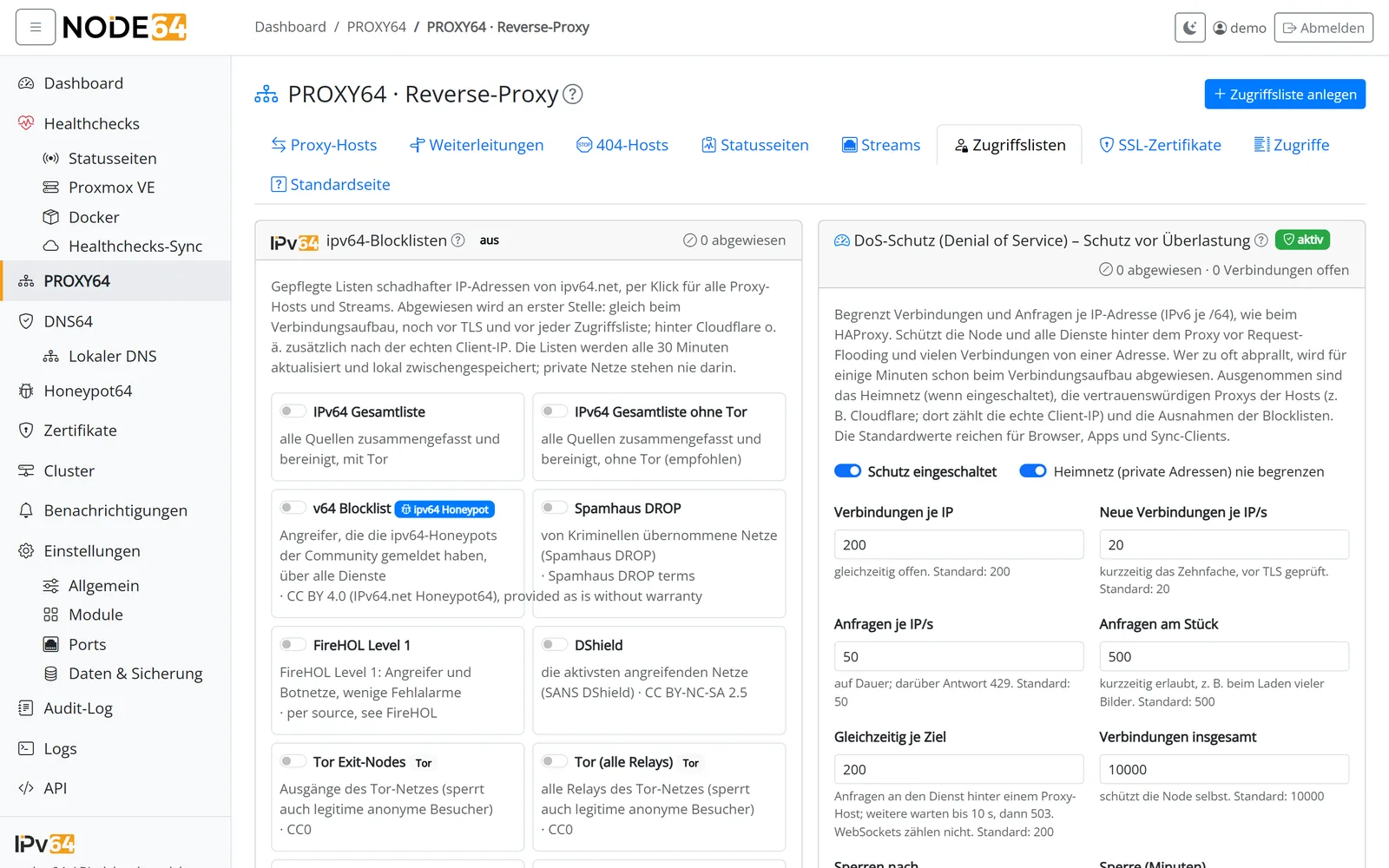
PROXY64 in Node64: ipv64 blocklists and DoS protectionPROXY64 in Node64: ipv64 blocklists and DoS protection

The ipv64 blocklists – including the v64 Blocklist from the community honeypots – and DoS protection with limits per IP are switched on in PROXY64 with one click.

For every account class

The account class decides how many edge servers a name runs through.

Free – 1 server, 1 connection
Home / Supporter – 2 servers (Nuremberg and Falkenstein), 1 connection each
Business – 1 or 2 servers and 1–2 connections per server, selectable per name
Company – 1 up to all servers and 1–4 connections per server, selectable per name
See prices & account classes

Online in five minutes

  1. Create a free ipv64.net account and pick a domain.
  2. Start Node64 and connect it with your API key – or set up mode 3 right here without Node64.
  3. Switch on CDN64 for the name. Done – without port forwarding.
Create a free account Node64 Documentation

Already have an account? Log in at the top – then you manage your CDN64 names here.